
In this article
- 01What to decide before comparing Shopify bundle apps
- 02Best Shopify bundle apps at a glance
- 031. Aris Bundles: best for flexible bundles and volume discounts
- 042. Easy Bundles: best for guided build-your-own boxes
- 053. Simple Bundles & Kits: best for inventory and fulfillment
- 064. Bundler: best for broad promotional flexibility
- 075. Kaching Bundles: best for conversion-focused product pages
- 086. Pumper Bundles: best for quantity tiers and gifts
- 097. Fast Bundle: best for stores testing several bundle formats
- 108. BOGOS: best for free gifts and Buy X Get Y
- 119. Shopify Bundles: best for a native starting point
- 1210. Appstle Bundles: best for subscription-oriented ecosystems
- 13How to test a bundle app before launch
- 14Which Shopify bundle app should you choose?
- 15Frequently asked questions
The best Shopify bundle apps match the offer to the way customers actually buy. A fixed skincare kit, a three-pack quantity break and a build-your-own gift box may all be called “bundles,” but they require different storefront, pricing, inventory and fulfillment logic.
This guide compares ten tools by use case. It includes lightweight volume-discount apps, full bundle builders and operations-focused kit solutions. Prices, ratings and plan limits change, so treat the current Shopify App Store listing as the final source before installation.
What to decide before comparing Shopify bundle apps
- Bundle type: fixed kit, multipack, mix and match, build a box, frequently bought together or BOGO
- Inventory: whether stock must deduct from each component SKU
- Discount logic: fixed price, percentage, amount off, quantity tier or no discount
- Placement: product page, dedicated landing page, cart or post-purchase flow
- Fulfillment: whether the warehouse needs the parent bundle, components or both
- Compatibility: subscriptions, POS, multi-currency, markets and other discounts
Best Shopify bundle apps at a glance
1. Aris Bundles: best for flexible bundles and volume discounts
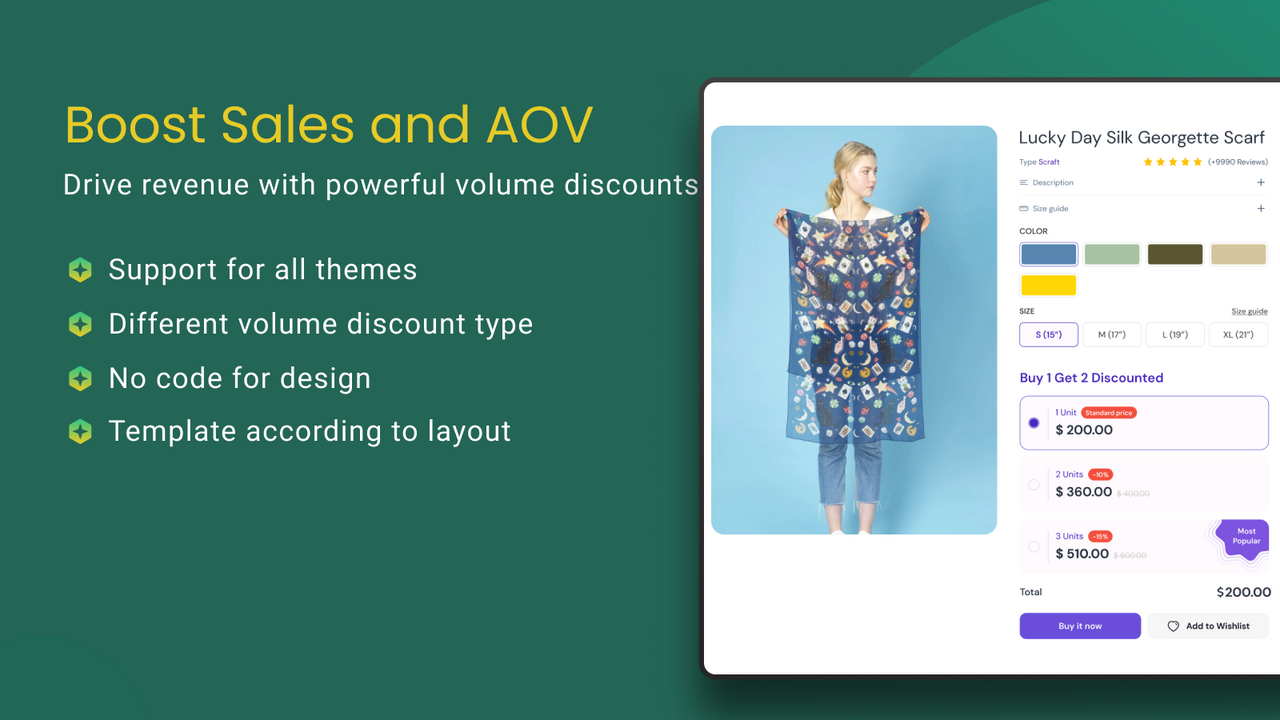
Aris Bundles is a practical choice for merchants who want to launch quantity breaks, fixed bundles, multipacks, variant bundles or product-page upsells without turning the campaign into a development project.
It supports tiered, flat, percentage, cart, bulk and wholesale discount approaches, plus discount stacking and automation options. That range makes it useful when a store wants to test several offer structures before investing in a highly customized bundle journey.
Best for: stores that need a versatile, fast-to-test bundle and volume-discount toolkit.
2. Easy Bundles: best for guided build-your-own boxes

Easy Bundles centers on build-your-own-bundle and build-a-box journeys. It also supports fixed bundles, quantity breaks, gifts and add-ons, making it relevant when the customer experience needs multiple selection steps.
Best for: gift boxes, subscription-style assortments and curated mix-and-match experiences.
3. Simple Bundles & Kits: best for inventory and fulfillment

Simple Bundles & Kits emphasizes component inventory, order breakdown and connections with operational systems. It is worth shortlisting when accurate stock and warehouse instructions matter as much as the storefront widget.
Best for: merchants using kits, multipacks, 3PLs, WMS or complex component fulfillment.
4. Bundler: best for broad promotional flexibility

Bundler supports classic bundles, mix and match, quantity breaks, product-page offers and several pricing methods. It can suit merchants who want one app to cover multiple promotion formats.
Best for: stores running a varied calendar of bundle and volume offers.
5. Kaching Bundles: best for conversion-focused product pages

Kaching Bundles is commonly positioned around quantity breaks, product bundles and upsells displayed close to the buying decision.
Best for: direct-response stores that want prominent product-page offer widgets.
6. Pumper Bundles: best for quantity tiers and gifts

Pumper Bundles focuses on volume discounts, bundle offers and free-gift mechanics. Evaluate it if your main goal is to encourage customers to add more units of the same or closely related products.
Best for: consumables and replenishable products with natural multi-unit demand.
7. Fast Bundle: best for stores testing several bundle formats

Fast Bundle is designed to cover multiple bundle styles, including mix-and-match and upsell scenarios. Confirm inventory, theme and market behavior against your exact stack.
Best for: catalogs that need more than one bundle model.
8. BOGOS: best for free gifts and Buy X Get Y

BOGOS specializes in free gifts, BOGO and purchase-condition promotions rather than traditional fixed kits.
Best for: campaign-led stores where the gift is the main conversion incentive.
9. Shopify Bundles: best for a native starting point

Shopify Bundles is Shopify's own option for creating fixed bundles and multipacks. A native tool can be a sensible starting point when requirements are straightforward and you do not need advanced mix-and-match or promotional controls.
Best for: simple fixed kits with a preference for Shopify-built tooling.
10. Appstle Bundles: best for subscription-oriented ecosystems
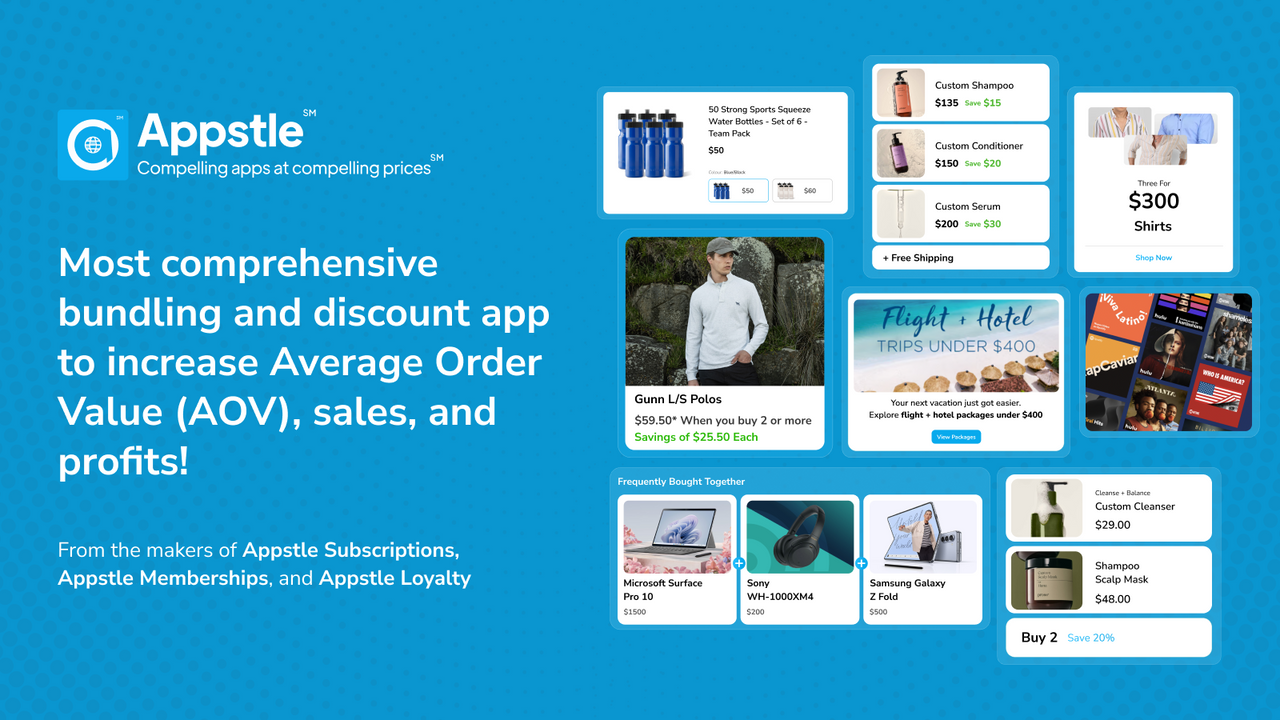
Appstle Bundles is relevant when bundles sit alongside subscriptions, loyalty or other recurring-commerce workflows within the same ecosystem.
Best for: merchants exploring recurring build-a-box or subscription bundle strategies.
How to test a bundle app before launch
- 1.Create one offer that represents your hardest real use case.
- 2.Test every variant combination, including sold-out components.
- 3.Combine the offer with existing discount codes and automatic discounts.
- 4.Place orders through desktop, mobile and any accelerated checkout you support.
- 5.Check the order in Shopify, notifications, packing documents and your fulfillment system.
- 6.Process a partial refund and a return.
- 7.Confirm analytics distinguish bundle-driven revenue from ordinary orders.
Which Shopify bundle app should you choose?
Choose based on the hardest constraint, not the longest feature list. Use an operations-led tool if component inventory is critical, a guided builder if customer choice defines the experience, or a promotion-led app if you mainly need quantity breaks and quick campaign testing.
For a flexible starting point across fixed bundles, multipacks, variant bundles, quantity breaks and upsell offers, explore Aris Bundles on the Shopify App Store. Test one offer end to end before expanding it across the catalog.
Frequently asked questions
Do Shopify bundles automatically sync inventory?
Not every implementation works the same way. Some bundles deduct component inventory, while others rely on a parent SKU or virtual relationship. Verify stock behavior with a real test order.
Are bundle discounts and volume discounts the same?
No. A bundle discount usually combines different products, while a volume discount rewards buying more units. Some apps support both.
Can bundle discounts stack with discount codes?
Sometimes, but compatibility depends on the app, Shopify's discount rules and the offer configuration. Test all combinations you intend to advertise.
Editorial note: app capabilities were reviewed against Shopify App Store information available in September 2026. Recheck each linked listing before publication.